





Flare
- Speed
- About 6s at low quality
- Best for
- Drafts and early exploration
- Credits
- 1 credit per 1K image
GPT Image 2.6
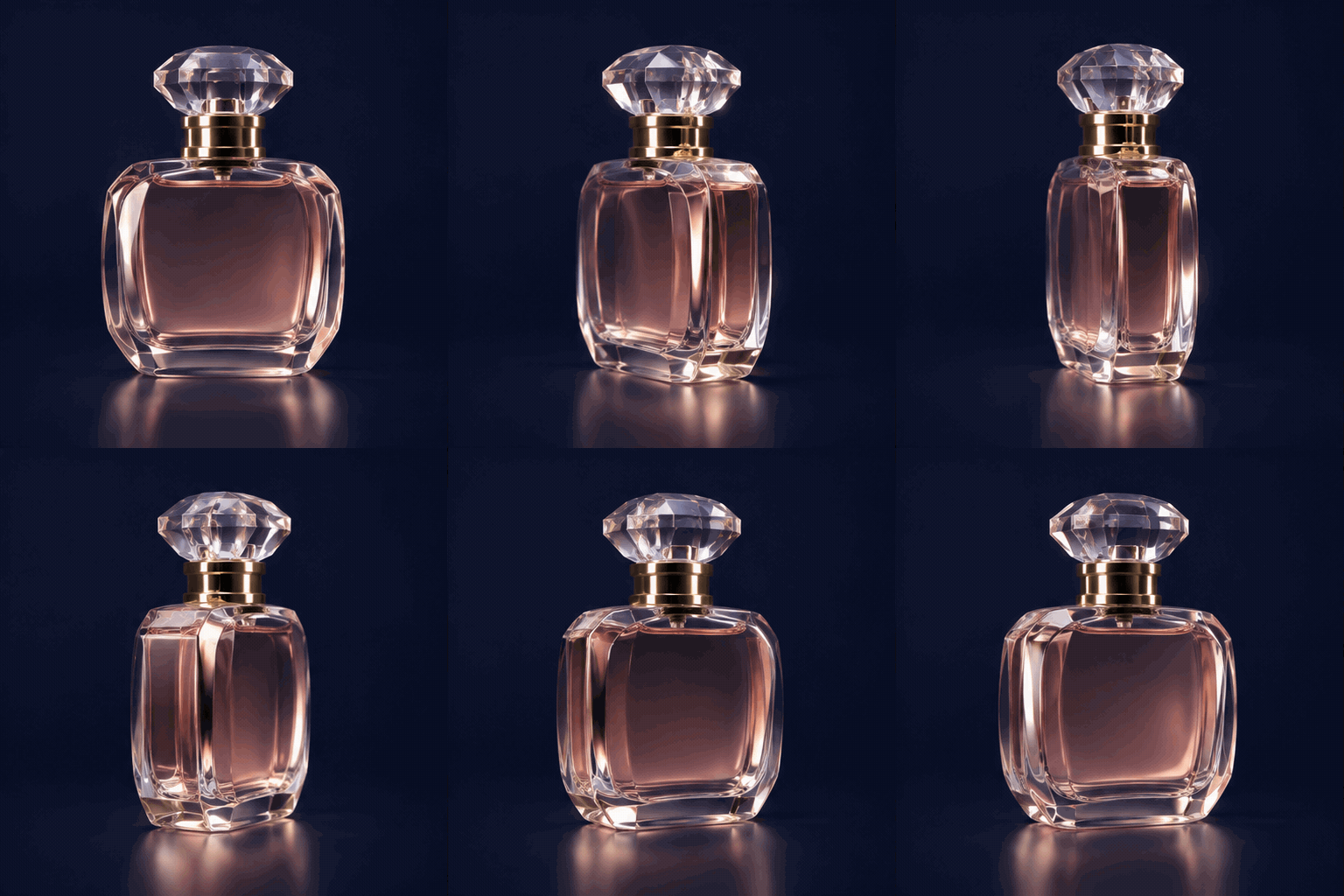
Turn a single brief into a photo-real image, a looping GIF or an editable SVG, powered by the Flare and Sunburst models.
Get GPT Image 2.6 product updates by email
What's new
What GPT Image 2.6 adds for design, marketing and product teams.
Examples
Eight prompts you can adapt for product, marketing and brand work.
Use cases
Typical deliverables for product, marketing and brand teams.
Format guide
Match the file to its placement, the level of detail and the next person in your workflow.
What changed
What the new release changes compared with GPT Image 2.
| GPT Image 2 | GPT Image 2.6 | |
|---|---|---|
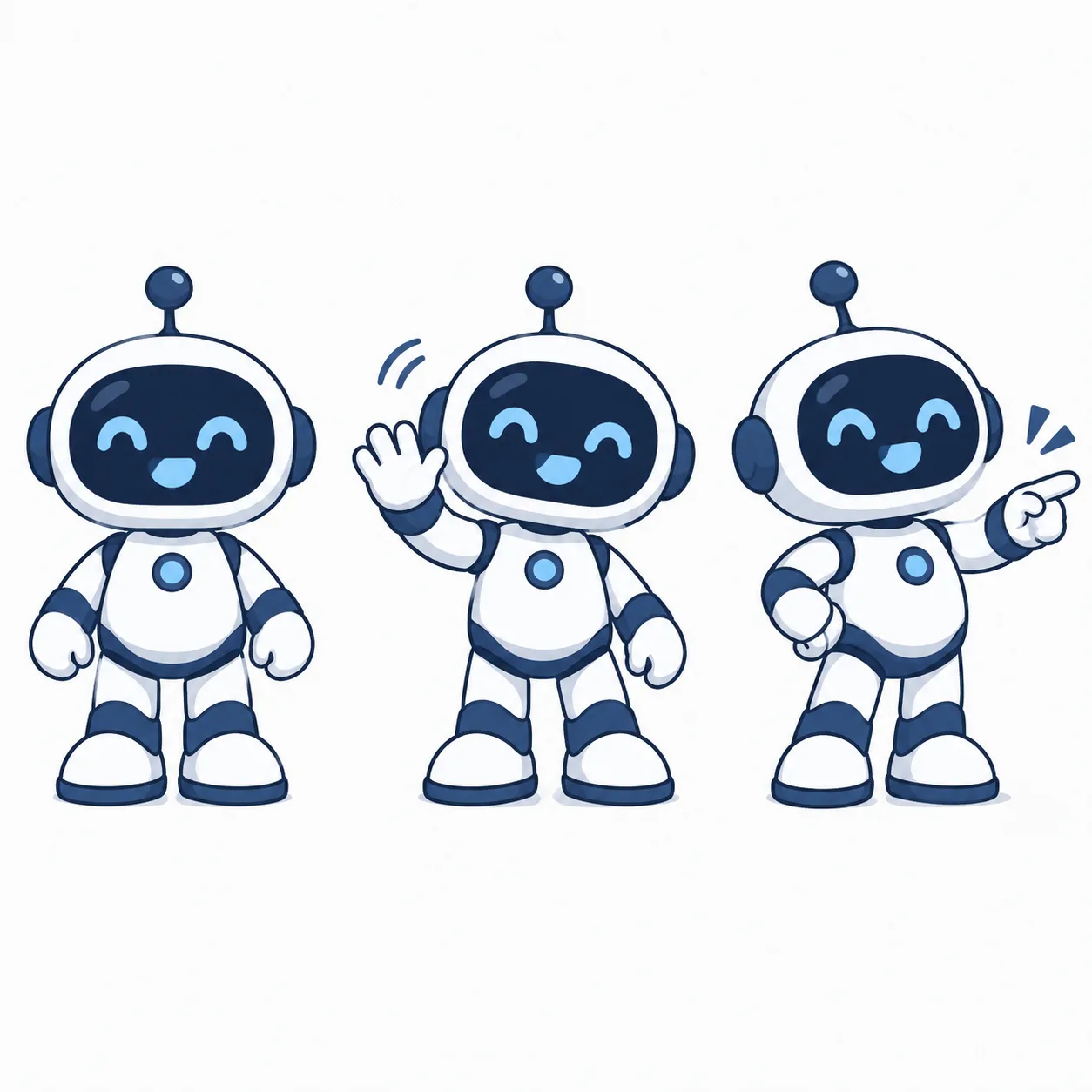
| Deliverables | Still images only | Still images, plus GIF motion and SVG vectors |
| Models | One model for every job | Flare for speed, Sunburst for detail and edit consistency |
| Turnaround | Slower generation | Faster generation, with Flare at ~6s for low quality |
Workflow
Create, revise and export with GPT Image 2.6 in a few simple steps.
Choose Image, GIF or SVG. Use Flare to draft and Sunburst to finalize.
Write the prompt. Attach a reference image when a character or product must stay consistent.
Review the output against the brief, identify the most important mismatch and request a focused revision. Markup can call out a local area; export PNG, GIF or SVG once the asset is ready for its placement.
Models
Two models for two stages of the same job.
Draft with Flare, finish with Sunburst: settle the direction at low cost, then render the approved version at higher quality.
Pricing
Compare plans for your team. The email signup form does not collect payment.
Pricing and credits
$9.9/mo
200 credits per month
$19.9/mo
500 credits per month
$49.9/mo
1500 credits per month
Credit costs: Flare 1 credit per 1K image · Sunburst 4 per 1K / 8 per 2K · GIF 10 · SVG 4.
FAQ
Get GPT Image 2.6 product updates by email