

GPT Image 2.6 · Early access
AI GIF generator for product, marketing and support teams
Generate animated GIFs from a prompt or a sketch with GPT Image 2.6.
Get GPT Image 2.6 product updates by email
Model
Aspect ratio
Quality
GIF API range: frame_count: 2–64 (default 9); frame_duration_ms: 20–2000 (default 200).
Get GPT Image 2.6 product updates by email
How GPT Image 2.6 GIF generation works
- 01
Select GIF
Choose GIF mode, then Flare for drafts or Sunburst for the final.
- 02
Specify the motion
Define one subject and describe its movement in a few beats.
- 03
Set speed and export
Preview the loop, tune playback speed and download the GIF.
What teams can make
Tips for smooth loops
Guidelines for loops that read cleanly.
API ranges: frame_count: 2–64 (default 9); frame_duration_ms: 20–2000 (default 200).
GPT Image 2.6 GIF prompt examples
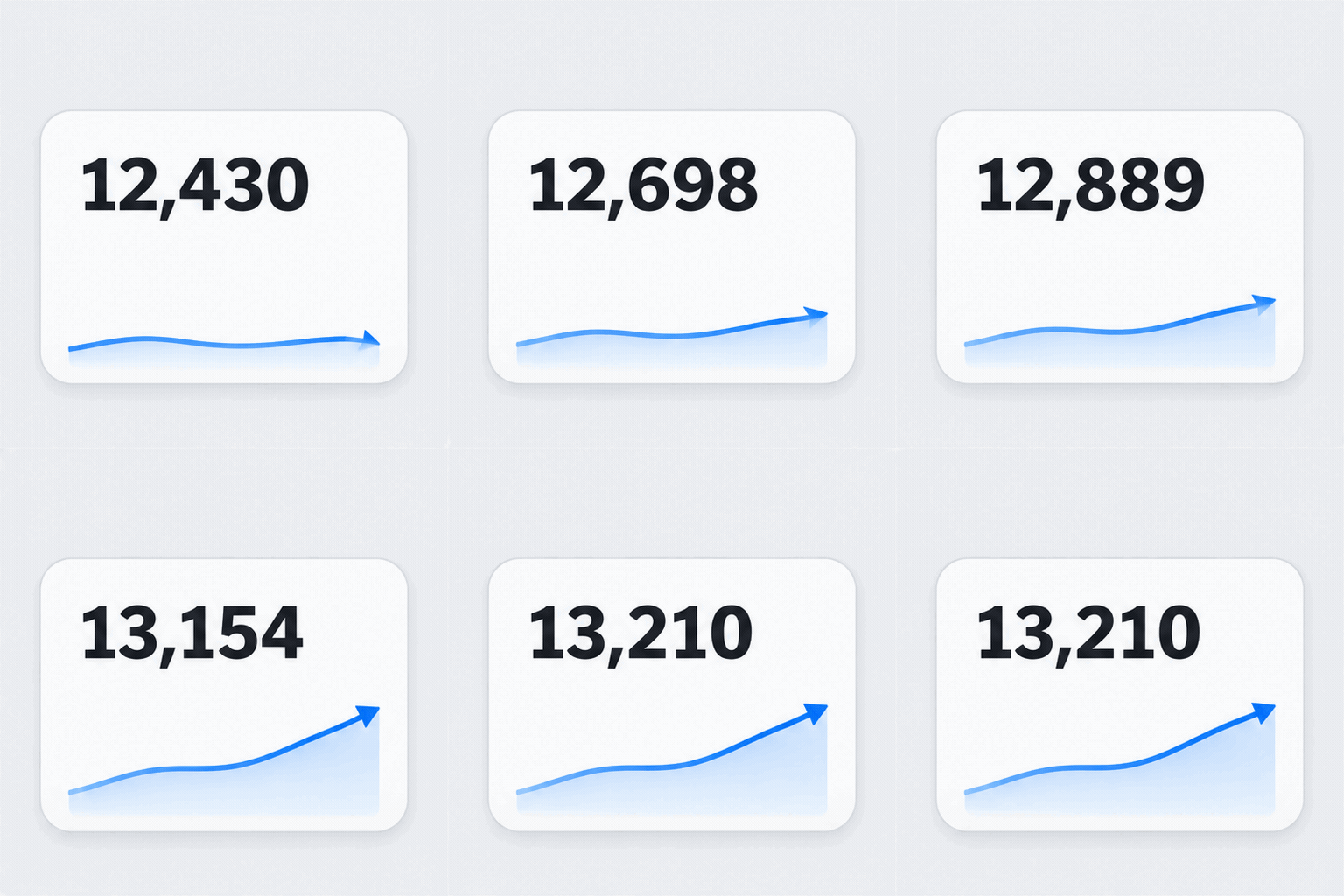
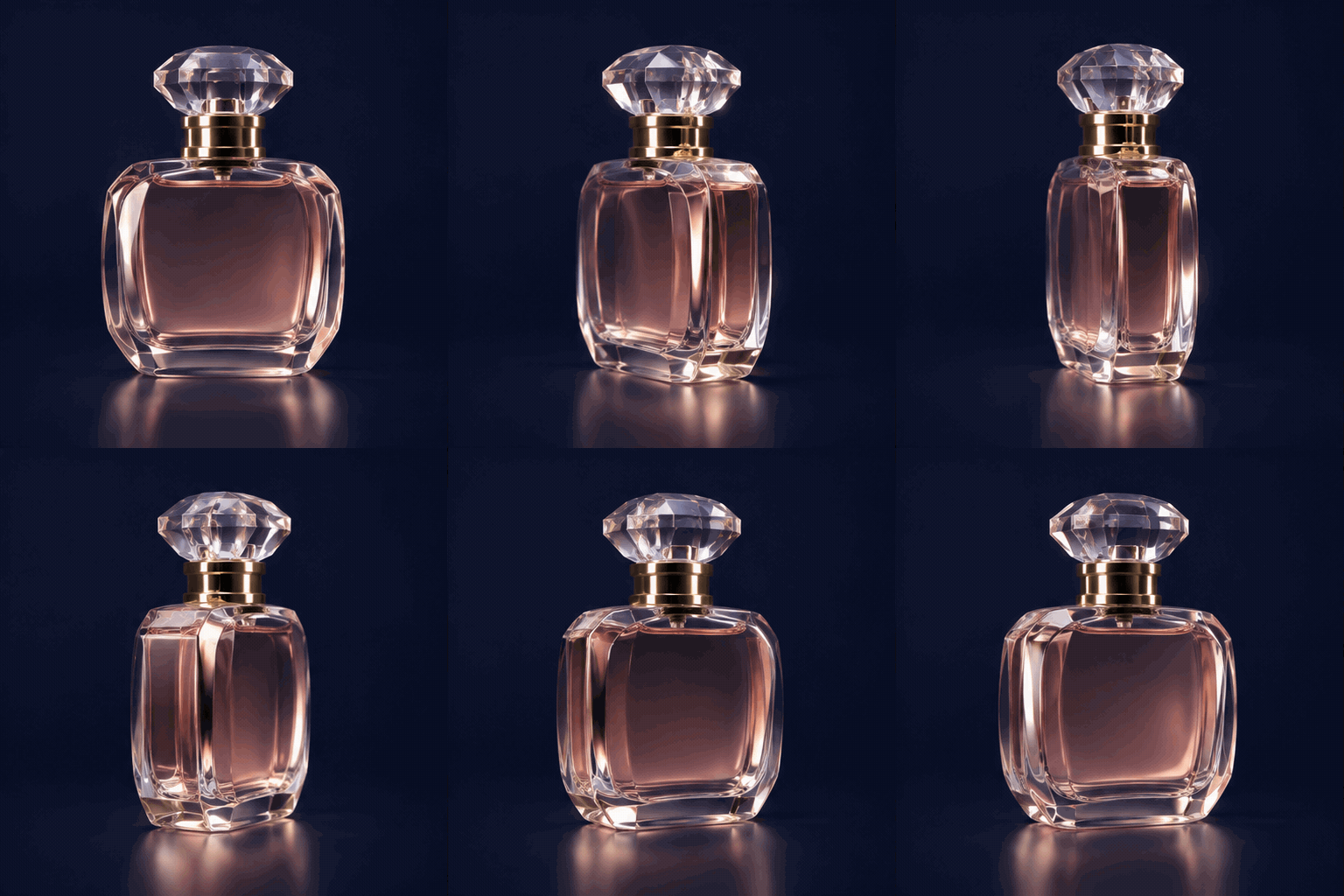
Explore ideas for describing a subject, its motion and a seamless loop.
FAQ
Frequently asked questions
Get GPT Image 2.6 GIF updates
Get GPT Image 2.6 product updates by email