
GPT Image 2.6 · Early access
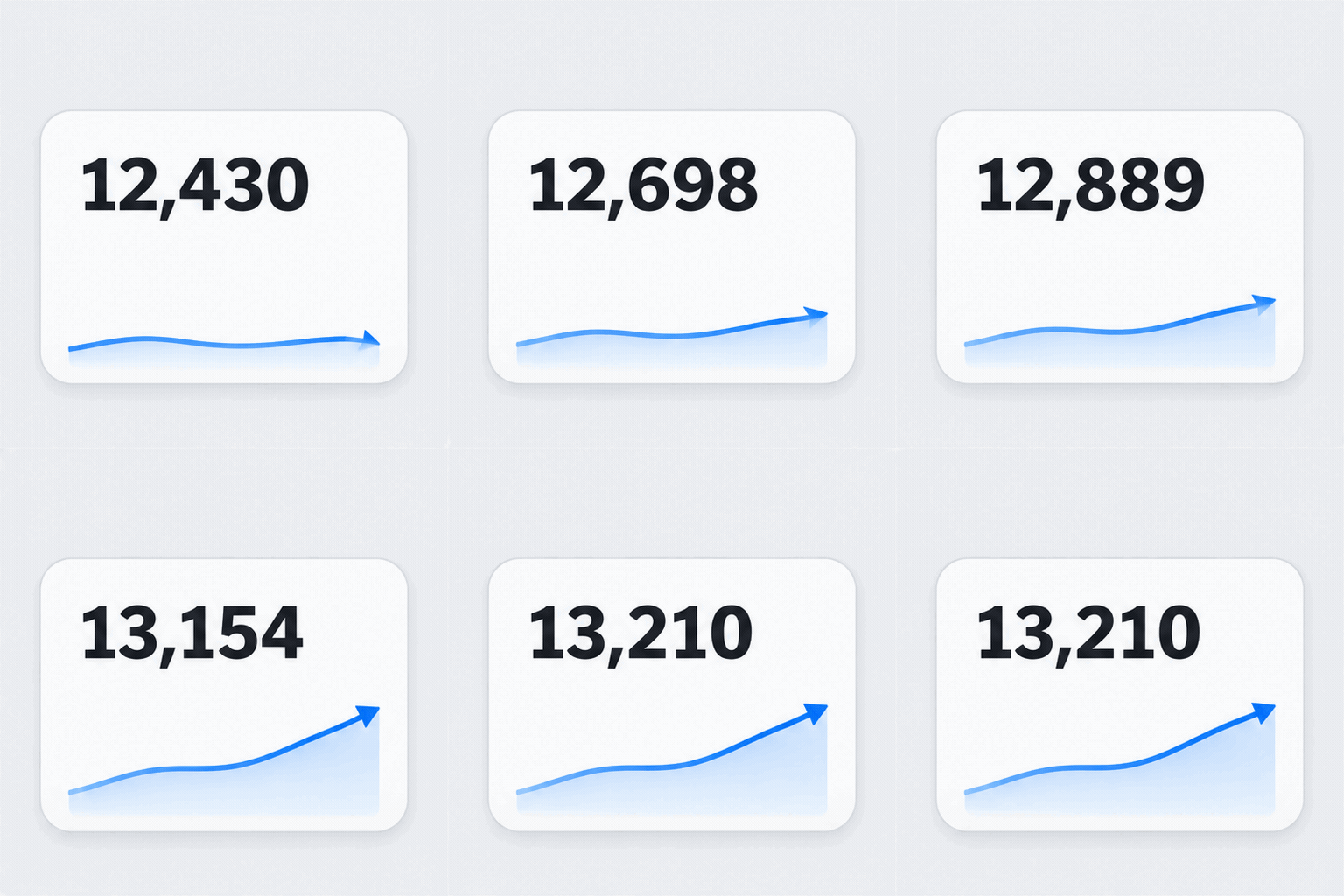
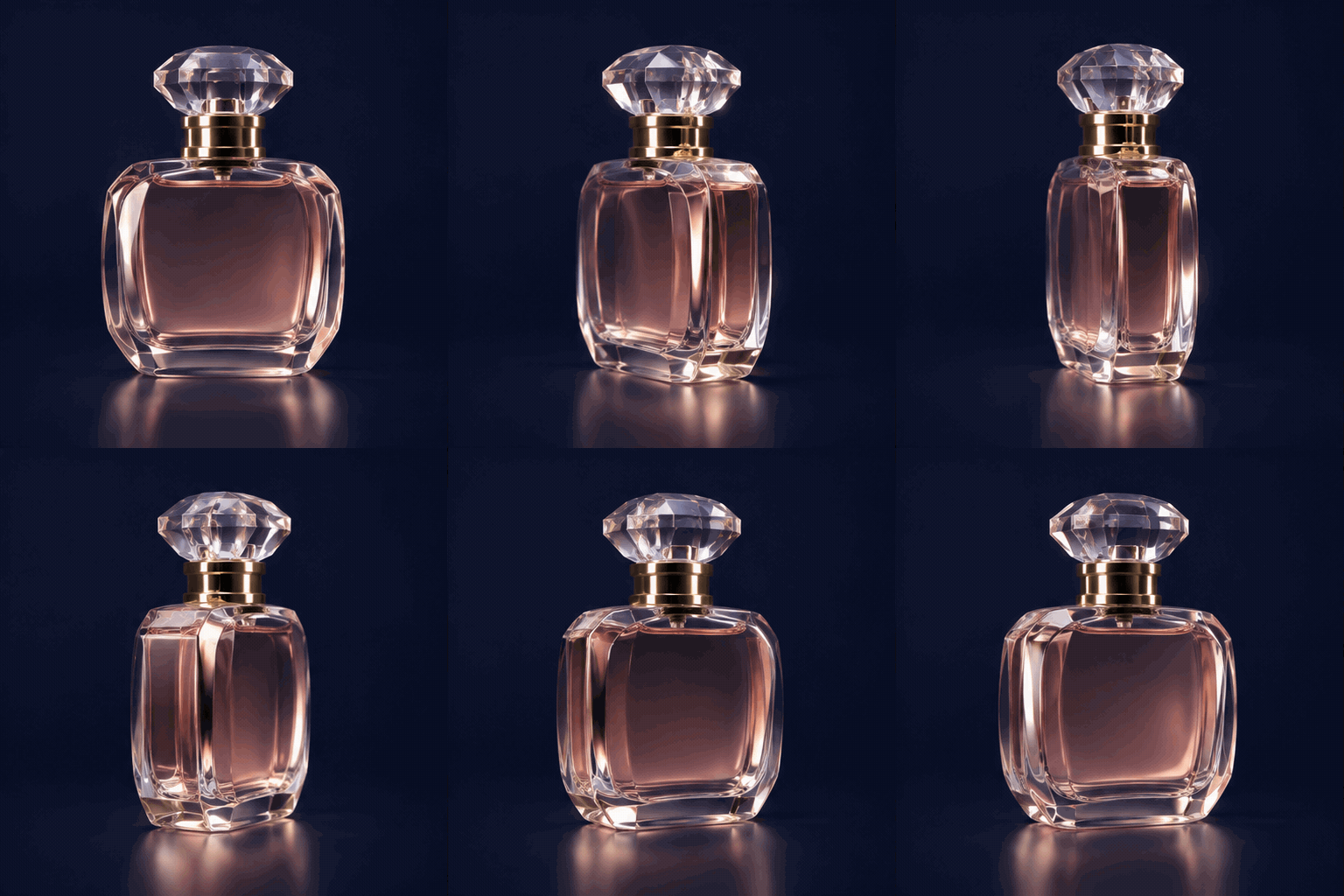
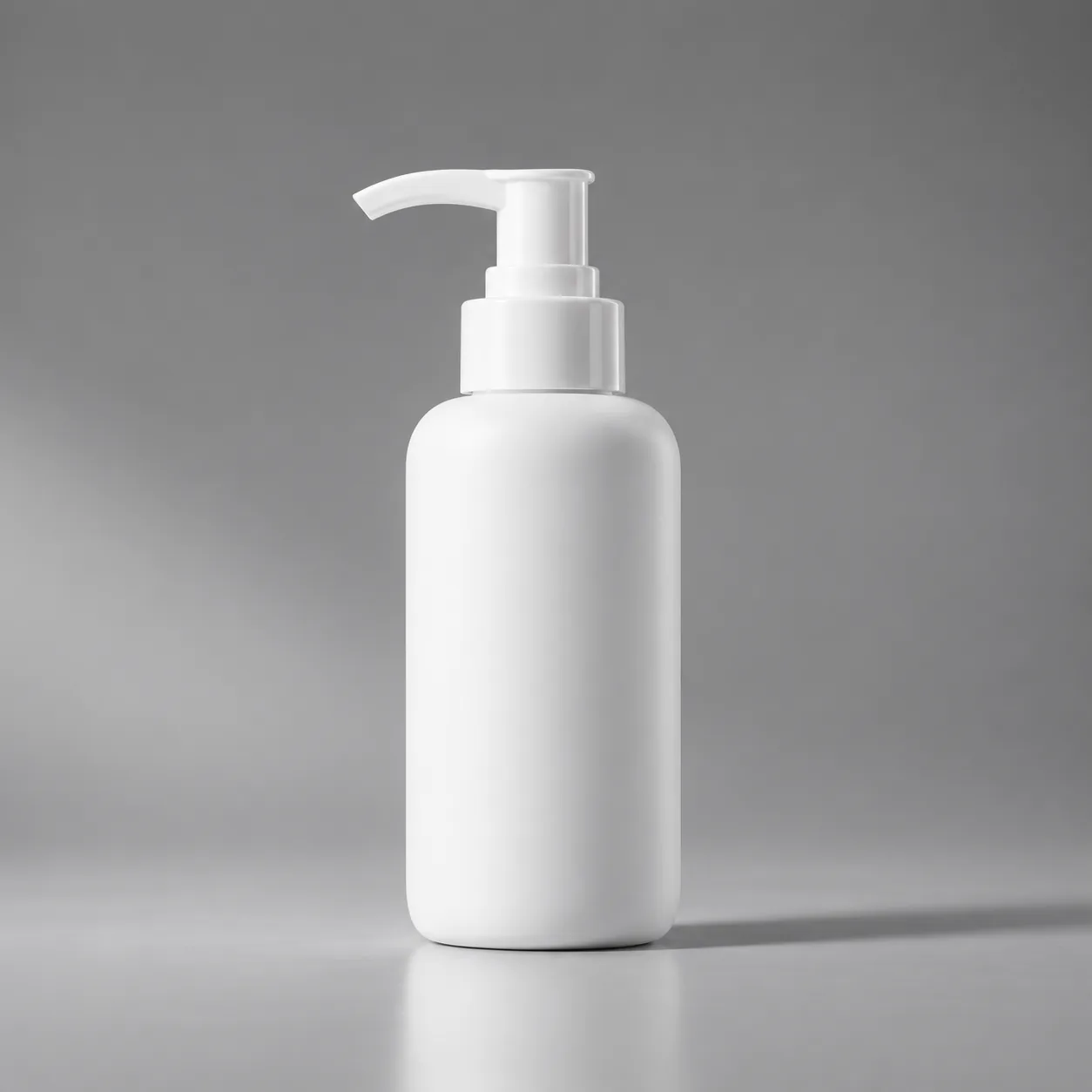
Prompt library for images, GIFs and SVGs
Nine reference prompts with notes on why each one works.
How to adapt a GPT Image 2.6 prompt
Start with an example, then make it specific to the result you have in mind.
- Define the subjectReplace the example subject with your own and describe its important details.
- Set the visual directionAdd the composition, colors and style that fit your project.
- Choose a formatDescribe motion for a GIF, or keep shapes simple for a vector-style design.
Explore the GIF generator and SVG generator for more format-specific ideas.